
How to Sell Bulk Card Lots on eBay
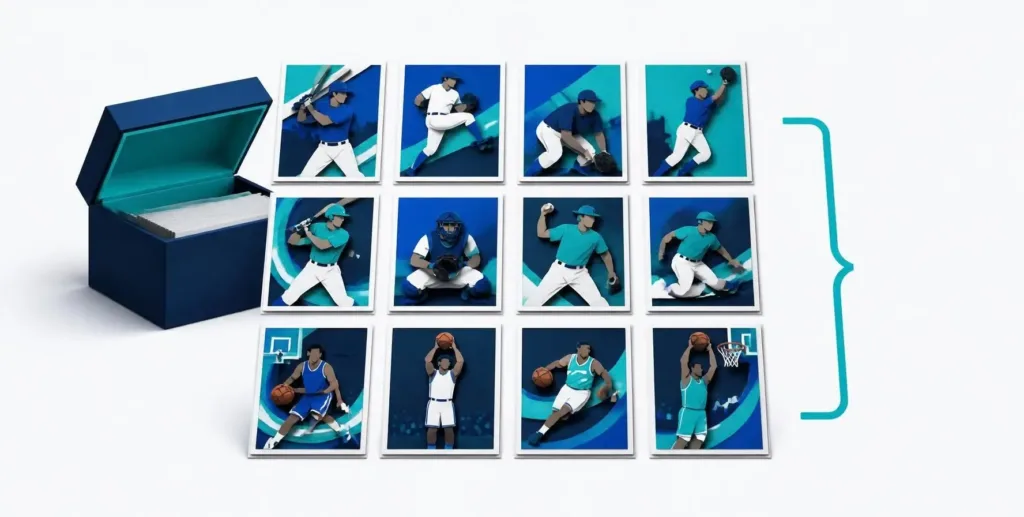
Bulk lots let you sell a related group of cards together for one price. They can work well for commons, base cards, minor stars and themed groups. Choose cards buyers search for, compare sold lots, show the included cards clearly and calculate shipping before setting your price.
If you are deciding whether a card belongs in a lot or deserves its own listing, check the single-card margin first with our eBay card fee calculator. Fees and PWE shipping often decide where the line is.
Follow the steps below with your own inventory. MyCardFlow’s bulk-lot tools help turn card photos into a draft listing with images, a title and a card-by-card description. Review the results before publishing.
What you need
- Cards sorted enough to know roughly what’s going into the lot
- A scanner or smartphone camera
- An eBay account (you connect it at publish time, not before)
- A MyCardFlow workspace
Step 1: Decide what belongs in a lot
Compare the expected payout and preparation time for a single before putting a card into a lot. Pull out cards with strong individual demand. There is no universal dollar cutoff: condition, buyer demand, fees and shipping all affect the decision.
Build the remaining cards into groups that make sense to a buyer. A focused team, player or set lot is easier to describe than an unrelated assortment.
One card gets its own title, photos and price. Useful when buyers search for that specific card.
The buyer purchases every included card together for one total price.
The buyer selects individual choices, each with its own price and available quantity.
Step 2: Build lots buyers search for
A specific lot theme helps buyers understand what they are purchasing. Group the cards around how collectors browse:
- Team lots: Group cards from one team and state the actual count, such as “Lot of 60 Seattle Mariners cards.”
- Player lots: everything you have of one player. Works for stars and for cult favorites with dedicated PC (personal collection) buyers.
- Set/era lots: “1987 Topps lot of 200” sells to set builders, who are motivated and specific. Include the card-number range in the description.
- Rookie lots / HOF lots: themed bundles punch above their weight when the theme is real. Don’t call it a rookie lot if it’s three rookies and 47 commons.
Mixed junk lots still sell; just price them like it (see below).
Step 3: Price per card, from sold lots
A lot does not have to contain hundreds of cards. A small player, team or set lot can be easier to photograph and price. Some small lots qualify for eBay Standard Envelope, but card count alone does not determine eligibility: check the packed weight, thickness, flexibility and applicable value limits.
Lot pricing is anchored to sold lot listings, not asking prices:
| Lot type | How to price it |
|---|---|
| Small curated lot | Compare sold lots with similar cards and condition; test the net payout against selling as singles. |
| Team or player group | Compare composition, count, notable cards and buyer-paid shipping. |
| Large mixed bulk | Use comparable sold bulk counts and the weight of the packed box. |
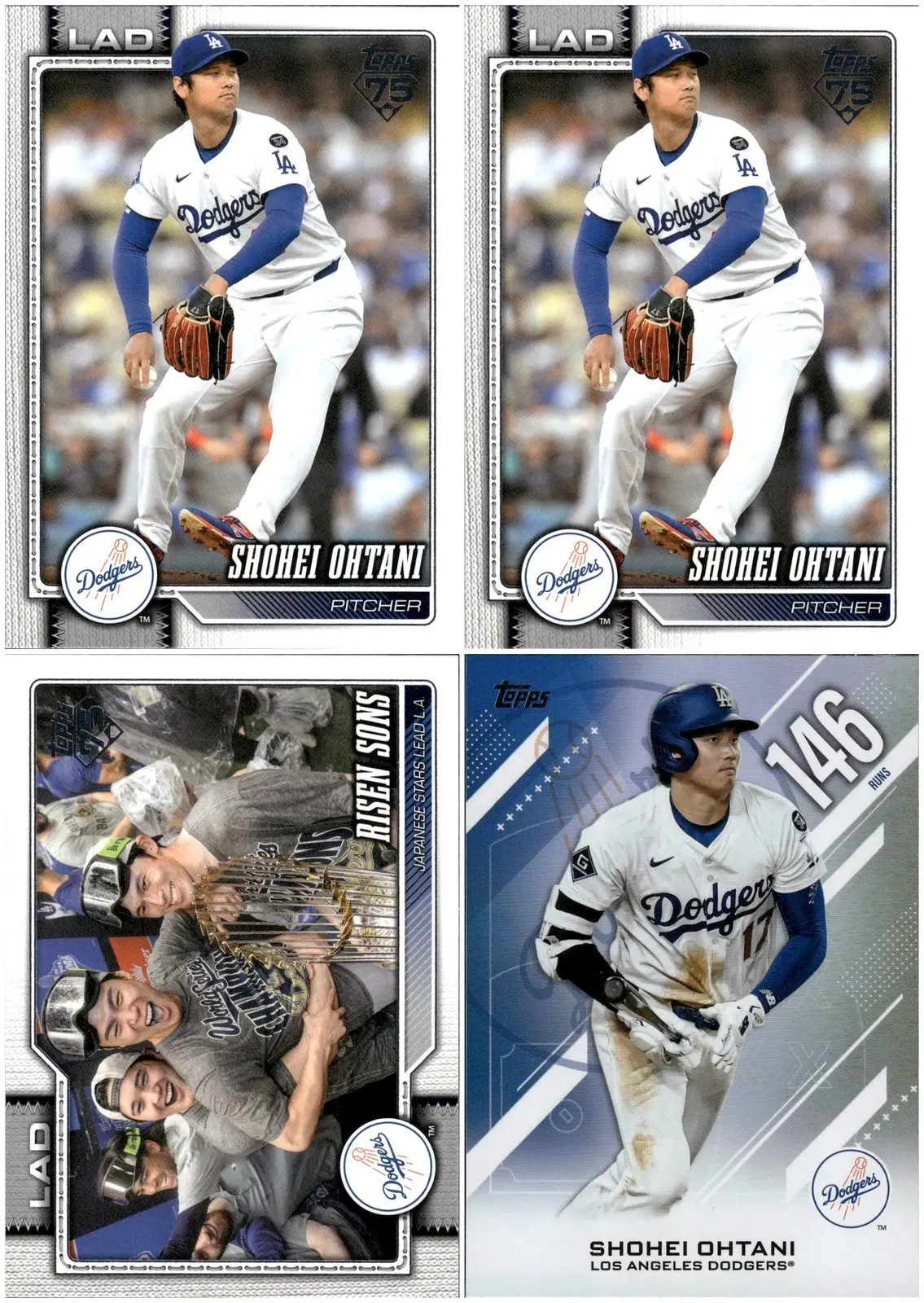
Use comparable sold lots as the starting point, then adjust for card count, condition, composition and shipping. A fixed discount from singles prices is only a scenario to test, not a market rule.
One honest note on the bottom row: at true-bulk prices, per-card effort of any kind stops paying, whether that’s typing a manifest or scanning. Sell those by the count with clear spread photos. The per-card tools below earn their keep on curated lots, where knowing exactly what you have is the difference between a $5 lot and a $15 one.
Fixed price beats auction for most lots. Auction a lot only when it’s genuinely uncertain value (an unsorted estate box can surprise you).
Step 4: Photograph the lot (the actual hard part)
Show enough detail for buyers to recognize the cards and assess condition. A scanner or a well-lit phone setup can supply the individual images for a clear lot grid.
A scanner: A flatbed scanner can make consistent capture easier. Check scans for reflections, clipping and color shifts, especially on foil cards. Use a capture method appropriate for the card’s condition and value.
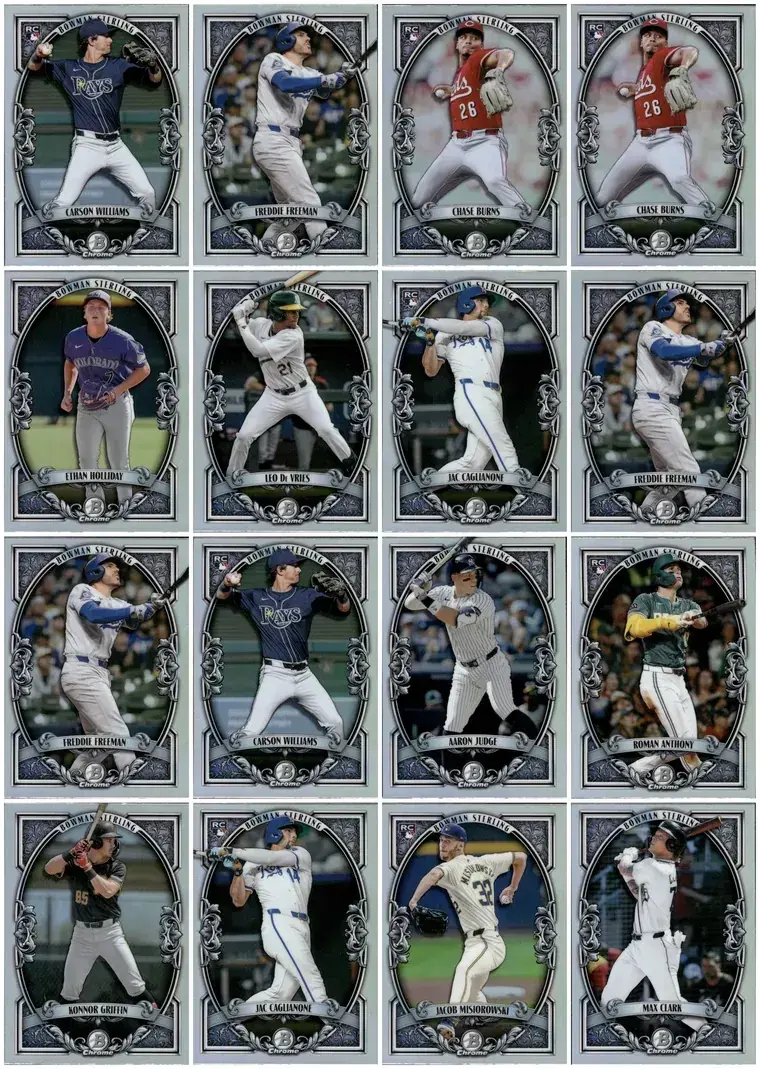
Also fine: a smartphone. Individual card photos from a phone camera work.
- Spread and shoot in sections. Lay cards in neat rows on a matte, neutral surface and photograph groups that fill the frame. Buyers want to see condition and spot the names.
- Light from the side. Overhead glare on glossy cards reads as damage in photos. Daylight from a window beats a desk lamp.
- Fill the frame. A card shot from across the desk wastes most of the pixels your buyer will judge condition by.
For a deeper look at the image side, see how MyCardFlow creates bulk sports card lot images with showcase grids and binder-style layouts.
Step 5: Descriptions that write themselves
MyCardFlow builds a draft description from the cards in your lot. Review the identified details and add condition notes that buyers need to know.
MyCardFlow uses the reviewed card details to build the lot description and relevant eBay item specifics, including card count, players, teams, set and year. Verify the category and the final details before publishing.
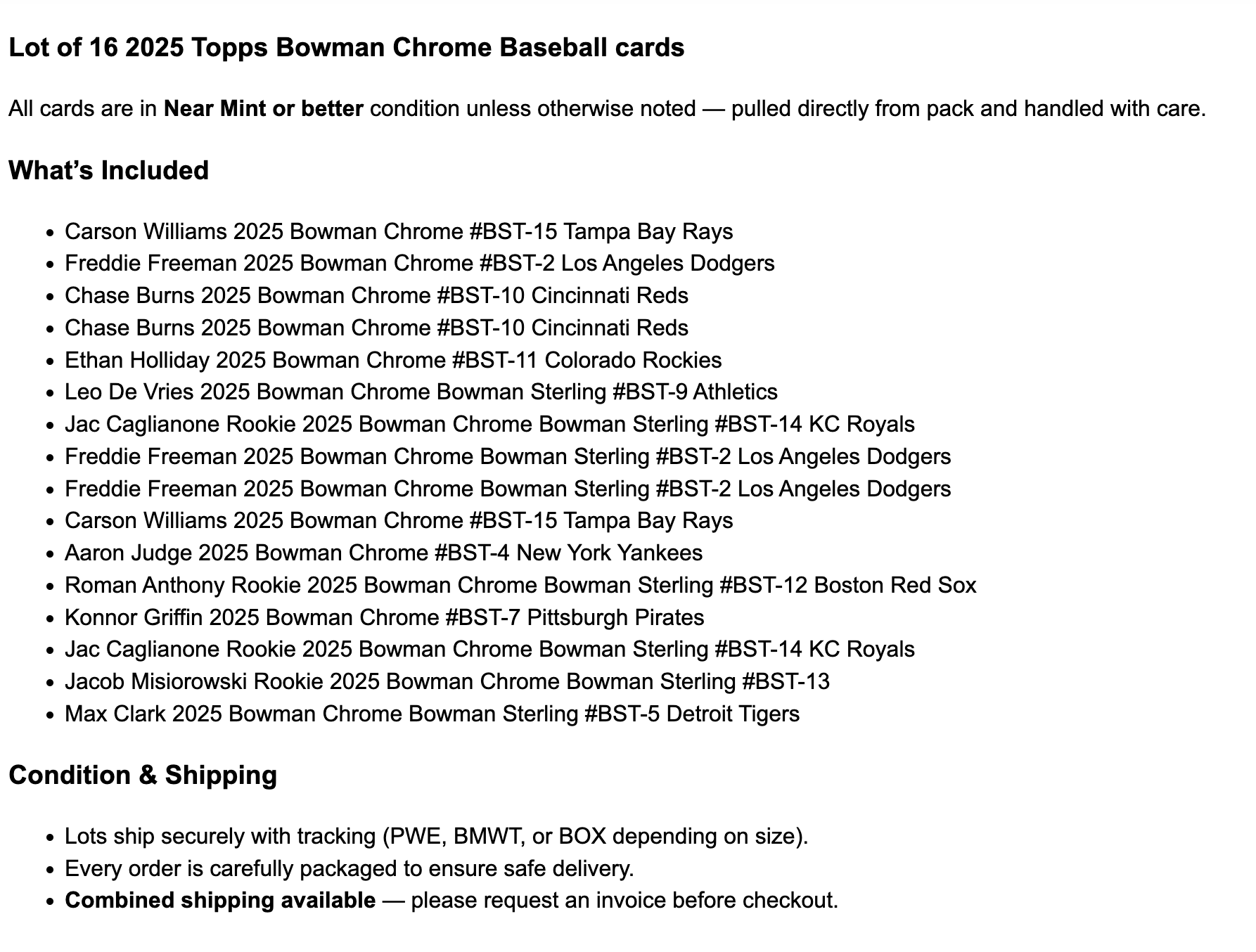
Worked example: the four-card player lot pictured above
The existing grid shows four physical cards: two copies of the same Shohei Ohtani pitching card, one “Tokyo Strong” Dodgers team card and one Ohtani “146 Runs” card. That is four cards, with a duplicate—not four different Ohtani singles. Preserve each card’s natural orientation in the grid.
Example title: Shohei Ohtani Dodgers 4-Card Lot – Duplicate Included – All Cards Pictured
Example description: “You receive all four cards pictured: two copies of the Ohtani pitching card, one Tokyo Strong team card and one Ohtani 146 Runs card. This is one complete lot, not a choice of cards.” Before publishing, add the verified year, set and card number for each design, disclose each card’s actual condition, and show backs or close-ups needed to support those details. The front-only grid does not establish those facts.
Example pricing: if you choose an illustrative $12 asking price, the listing price is $12 for all four cards, not $12 per card. Listing quantity is one complete lot. A $12 sale with separately charged postage produces a different payout from a $12 sale with seller-paid postage. Compare similar sold lots and calculate your packed shipping and fees before setting the real price; $12 is arithmetic for this example, not a valuation of the pictured cards.
Final review: the physical count, grid, description and included duplicates must agree. Keep these four copies out of other live listings while the lot is for sale.
Step 6: Shipping math before you price
The packed shipment determines postage. Card stock, sleeves, holders and the shipping box all change the weight. Weigh a representative packed lot before pricing.
- Weigh a packed test lot once and keep the number.
- Determine if it can fit in PWE, a bubble mailer, or for large lots, what type of box you need to ship
- If you offer free shipping, include postage and supplies in the lot price. Compare calculated shipping for heavier lots.
Publish: one listing, no need to write down each player’s name and card
Two things that pay off later:
- Review listing format before publishing. Keep individual cards separate if they suit a single listing, or use You-Pick when buyers should choose individual cards. Avoid offering the same physical copy in competing live listings.
- Check the sale and inventory records. Confirm the sold order in eBay and review the corresponding inventory status before relisting any cards.
What used to be a weekend of data entry is an afternoon of photography, or minutes of scanning.
Try MyCardFlow on your next lot, and see the current intro offer on the pricing page.
Choose one player, team, set or coherent theme.
Photograph the actual cards and review the generated grid.
Compare sold lots and include packed shipping costs.
FAQ
How big should a lot be?
Choose a size that fits the theme and buyer demand. A few related cards can form a useful lot; a large mixed group may work better sold by count. Check the packed shipping cost and service eligibility for either approach.
Should I offer free shipping on lots?
Compare an all-in price with buyer-paid shipping using sold listings and your actual packed cost. Free shipping is paid for by the seller; it is not a guarantee of better conversion or search placement.
Do I need to list every card in the description?
For themed and set-builder lots, yes: set builders check. For team lots, name the notable players. For mixed commons, an honest “mostly 2018-2024 base, no duplicates” beats a fake manifest. MyCardFlow automates this – all cards are automatically listed in the description.
Is eBay File Exchange worth learning for lots?
File Exchange is for uploading many listings from a spreadsheet; it doesn’t help you build one lot listing, and it can’t identify or photograph anything. It’s a power-seller tool; most lot sellers never need it.