
Start with both sides
Upload readable front and back photos. A checklist match fills in the card details for you to review.
Sports card listing software
Spend less time typing listings. Our sports card listing software turns your photos or scans into eBay listing drafts. Review the titles, details and prices, then publish directly to your own account—no CSV export or Seller Hub upload required.
10 free scans to start. Earn 20 more when you connect eBay and 20 when your first listing goes live. No credit card required.
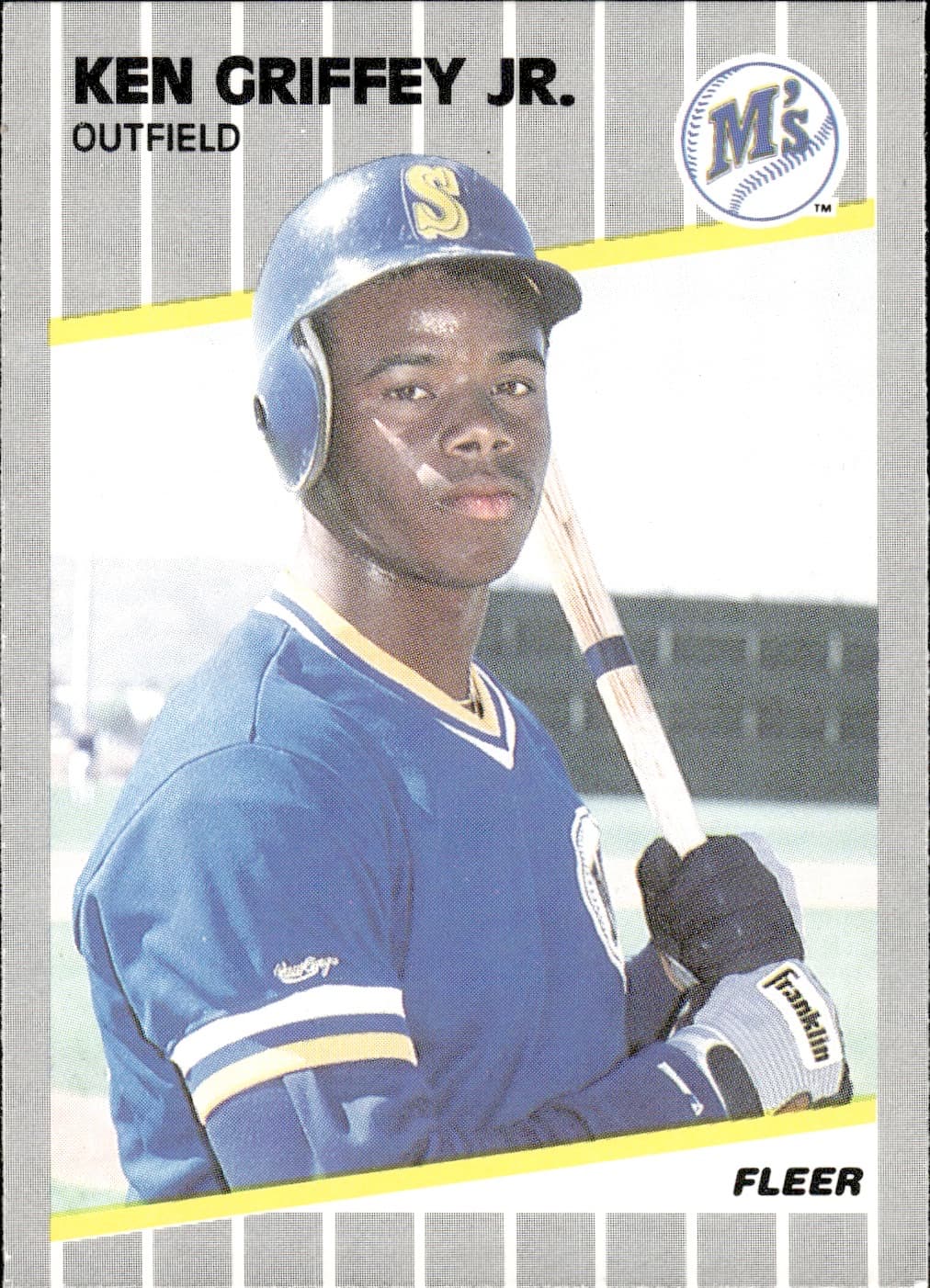 YOUR CARD
✓ Card identified
✓ Title written
✓ Item specifics filled
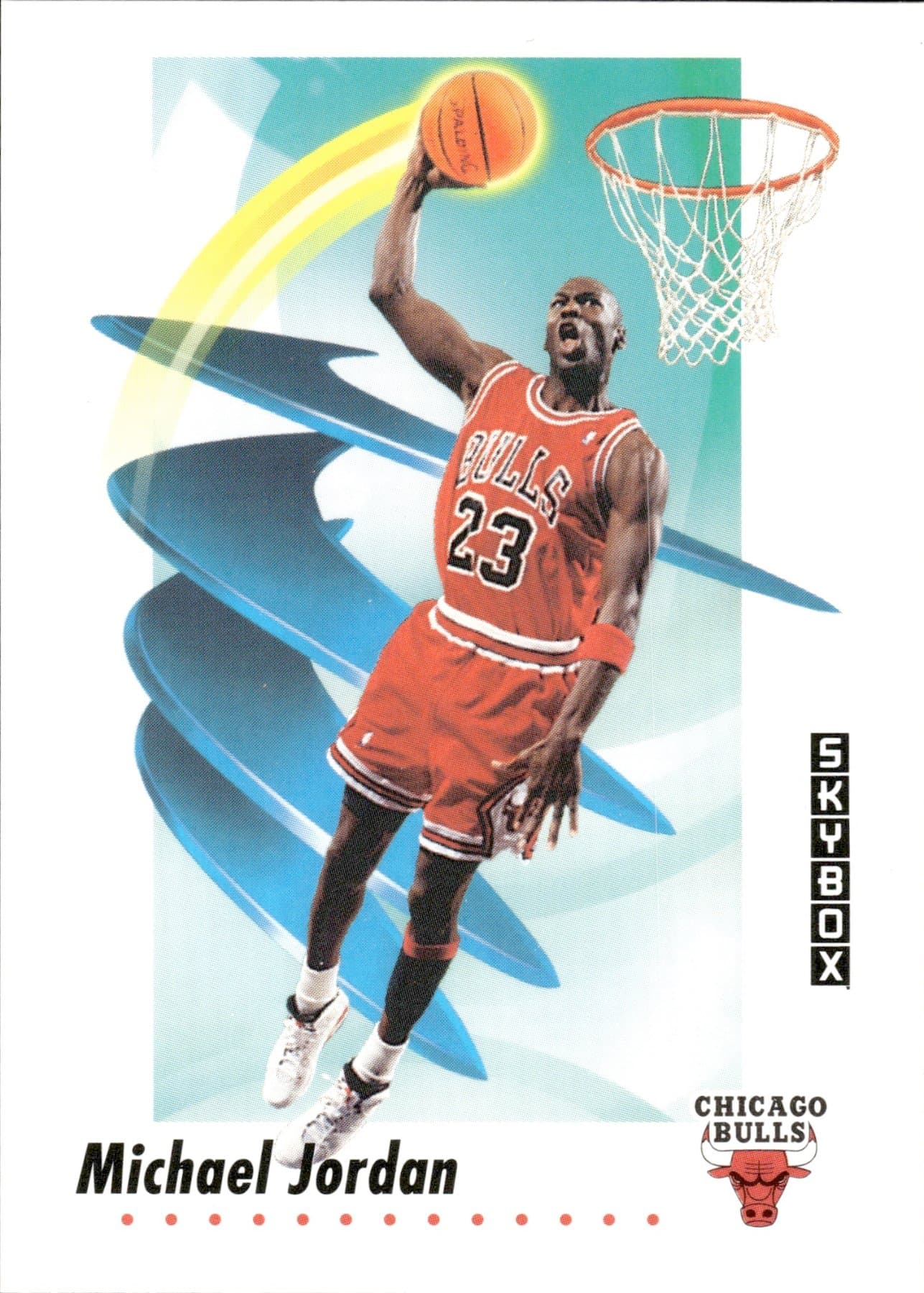 YOUR CARD
✓ Card identified
✓ Title written
✓ Item specifics filled
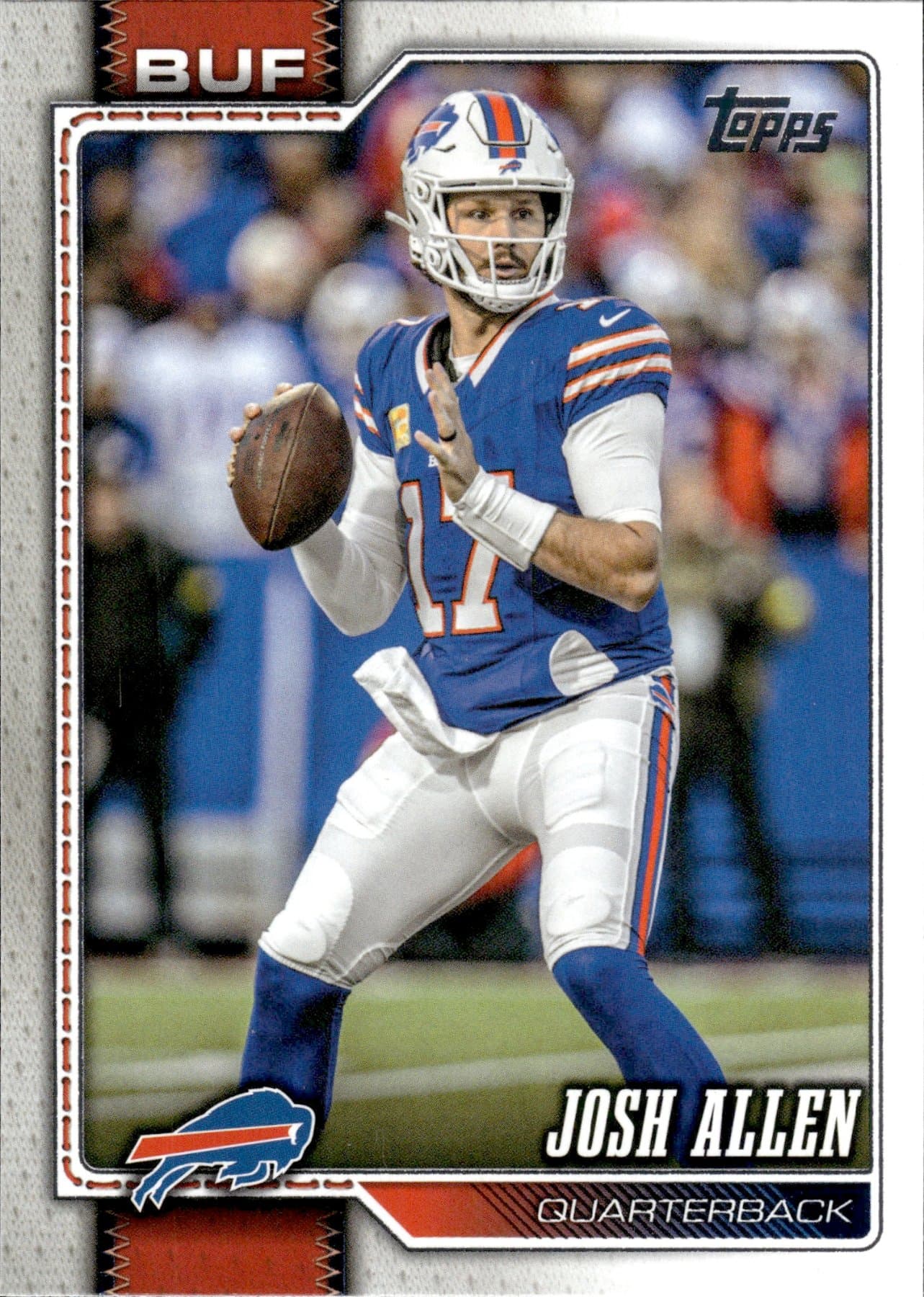 YOUR CARD
✓ Card identified
✓ Title written
✓ Item specifics filled
See the listing workflow
Skip retyping the card details in eBay. Add photos from your phone or scanner, review the draft, then choose what goes live in your store.
Take the front and back with your phone, or choose existing scans from your library.
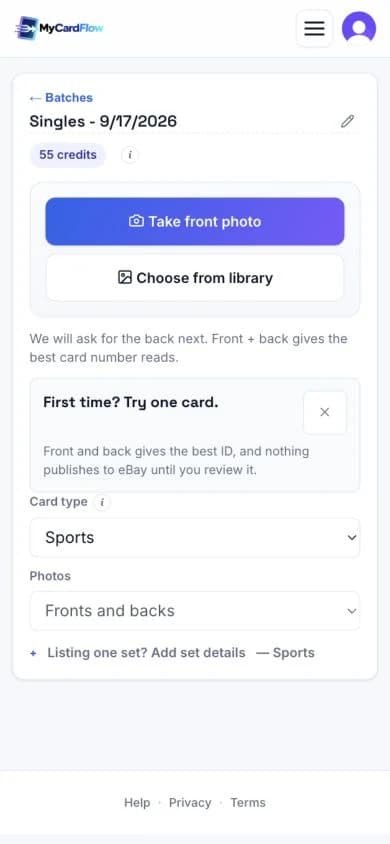
Check the identified card, title and price. Correct any details before listing.
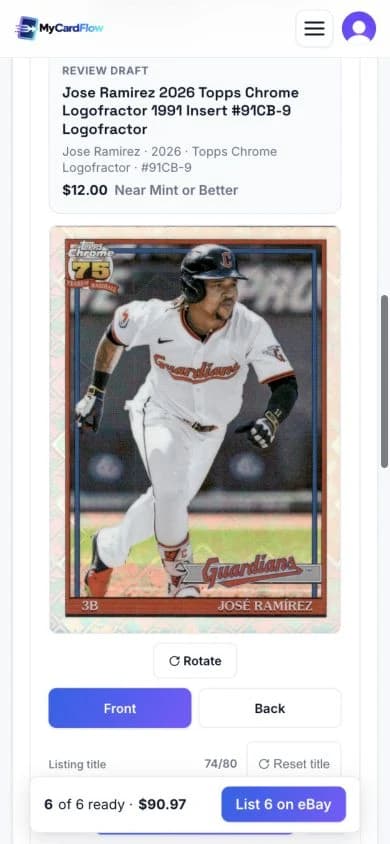
Watch a real listing go live. This 26-second demo uses uploaded front and back scans in the mobile layout.
Silent demo. Pauses are shortened; key steps stay on screen. The year is corrected to 2026 before publishing at $29.99.
Try the same workflow with a card from your own stack.
Get startedNo scanner required. You review every listing before publishing.
Base & Inserts · Beta
Paid subscribers can scan sports base cards and inserts without using scan credits during Beta. Put the everyday cards in your collection to work, while keeping your full-detection scan credits for cards that need them.
Upload readable front and back photos. A checklist match fills in the card details for you to review.
Use Singles for serial-numbered cards and Pokémon or other TCG cards. If a checklist match is unavailable, enter the details manually or use scan credits in Singles.
Choose your format
Choose how to sell your cards, then review and publish directly to your eBay account from MyCardFlow.
Give a rookie, parallel or graded card its own auction or fixed-price listing.
Group cards by player, team or set and sell them together as one auction or fixed-price lot.
Let set builders choose individual cards from one listing, each with its own fixed price and quantity.
Batch singles
Choose Singles before uploading. This six-card review example keeps each card’s title, photos, price and condition separate. Work through the cards, check any batch defaults and publish the ready listings when you choose.
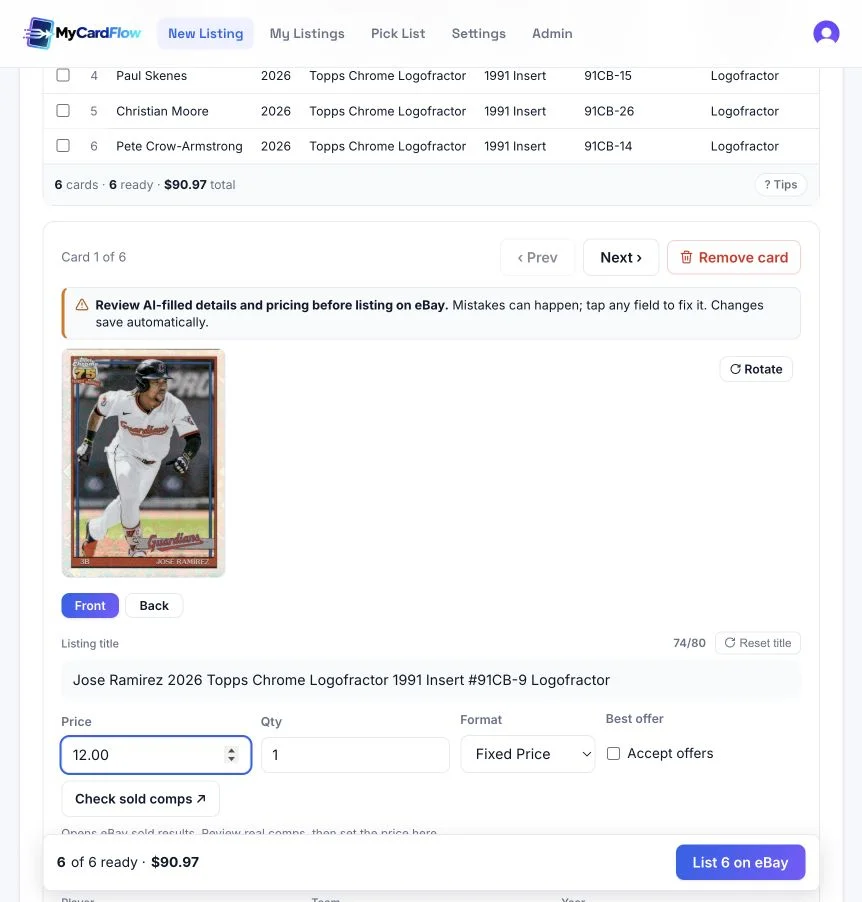
Identification
MyCardFlow uses your card images to draft the player, team, year, set and card number. Check the front and back before publishing: a copyright date or a season in the statistics is not always the card's release year. Correct any uncertain details in the review screen.
Compare the year, set and card number with your card. A familiar player photo alone does not identify the release.
Keep the whole card visible and avoid glare over the name, number or foil details. Back images can help resolve the set and card number.
The title
The sports card listing tools draft a title within eBay's 80-character limit. Review the player, year, set, card number and distinguishing parallel so the title describes the exact card. For example: Ken Griffey Jr. Rookie 1989 Fleer #548 Seattle Mariners. Keep unsupported grade or rarity claims out of the title.
Item specifics
A baseball single needs more than a title. Review fields such as player, team, sport, league, manufacturer, set and card number alongside the photos. MyCardFlow prepares the listing fields for eBay; you check the condition and correct the details before the listing goes to your own store.
Exact versions
Similar-looking cards can be different versions. Use the identification as a draft and compare it with the physical card, especially when a foil finish, serial number or slab label changes what you are selling.
Check the parallel name and any stamped numbering. A green design alone does not prove a particular parallel. For a card stamped 67/99, confirm both the individual number and the print run.
Verify rookie claims against the card and release. For a slab, review the grading company, grade and certification number against the label; software identification is not authentication or a new grade.
Pricing
Use Check sold comps to research completed eBay sales, then compare the exact set, parallel, numbering and condition before choosing a price. Review any suggested price rather than treating it as a guaranteed value. Your asking price stays editable, and editing does not use another scan.
YOUR CARDS. YOUR BUSINESS.
Your own eBay storeConnect through eBay’s official sign-in. We never see your eBay password.
You keep controlEdit the title, details, and price before publishing.
Your sales stay yoursNo MyCardFlow commission. Normal eBay selling fees still apply.
Yes. Singles and lots support Auction or Fixed Price. Set your starting bid or asking price, review the details and publish directly to eBay. You-Pick listings use fixed prices for each card choice.
No. Connect your eBay account through its official sign-in, then review and publish your listings directly from MyCardFlow. No CSV export or manual Seller Hub upload is required.
No. Every field is editable before anything publishes, editing never costs a scan, and nothing reaches eBay until you click publish.
No. Phone photos are fine, and a flatbed scanner works too. The images are cropped and straightened for you either way.
MyCardFlow can read grading details from a slab label. Check the grading company, grade, certification number and listing condition against the label before publishing. This does not authenticate the slab or assign a new grade.
Yours. You connect through eBay's official sign-in, the listing appears in your own store, and MyCardFlow takes no commission on the sale.
Return to the saved batch through My Listings to continue reviewing and publish when ready. Choose Singles, Bulk Lot or You-Pick when starting a new listing; each format follows its own workflow.
KEEP EXPLORING
The full five-step method, including the parts MyCardFlow does not do for you: which cards are worth listing individually, and the PWE versus BMWT shipping decision.
Read: How to list sports cards on eBay ↗YOUR NEXT LISTING STARTS HERE
10 free scans to start. Earn 20 more when you connect eBay and 20 when your first listing goes live. No credit card required.
Plans from $6.99/mo ↗