
6 Best Tools for Selling Sports Cards on eBay (2026)
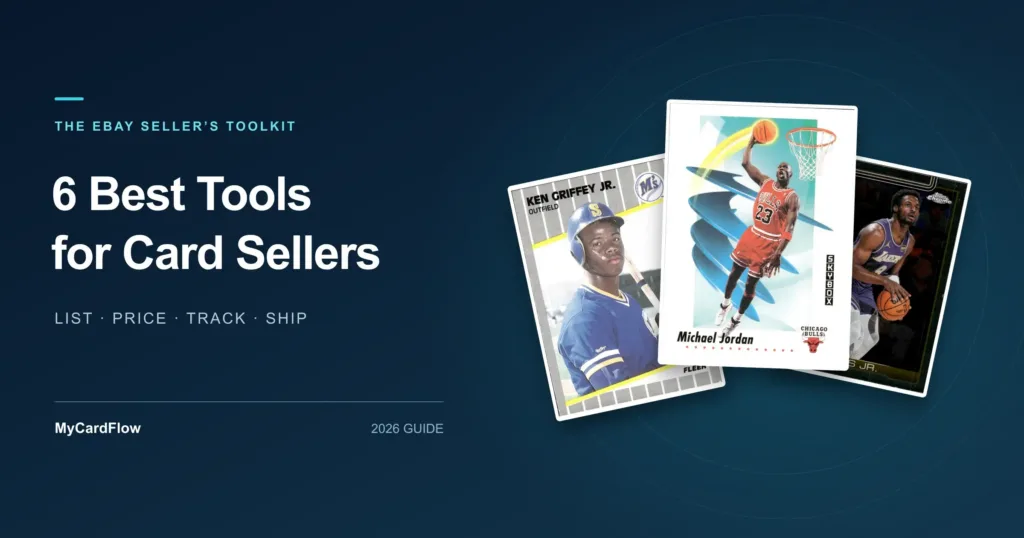
The best tools for selling sports cards help you do three things: get inventory listed, price it using relevant sales, and fulfill orders without losing track of your costs.
MyCardFlow is our pick for creating eBay listings from card photos and scans, especially when your inventory includes singles, bulk lots, and You-Picks. Pair it with eBay Product Research for sold-price research, PSA for graded-card auction comps, and the tools below for tracking expenses and shipping orders.
| Tool | Our pick for | Why it belongs in your toolkit |
|---|---|---|
| MyCardFlow | Creating singles, bulk lots, and You-Pick listings | Turns card photos and scans into listing information you can review and publish to eBay |
| eBay Product Research | Researching comparable eBay sales | Helps you evaluate sold prices and market activity |
| PSA Auction Prices Realized | Researching PSA-graded card comps | Provides auction results for matching cards and grades |
| Google Sheets | Tracking acquisition costs and expenses | Gives you a customizable record of what you spend and earn |
| eBay Seller Hub | Managing daily eBay selling activity | Brings listings, orders, and performance information together |
| Pirate Ship | Comparing package shipping options | Lets you compare USPS and UPS services for packed orders |
1. MyCardFlow: Best for Listing Singles, Bulk Lots, and You-Picks
Listing a stack of sports cards involves repetitive work: identifying each card, writing titles, entering item specifics, and organizing the cards into the right listing format.
MyCardFlow’s sports card listing software helps turn phone photos or scanner images into eBay listings. It identifies card details and prepares listing information for you to review before publishing.
Its strongest fit is sellers who need more than one way to list their inventory:
| Listing format | When to use it | Example |
|---|---|---|
| Singles | A buyer is likely to search for the specific card | A numbered rookie or an individual player card |
| Bulk lots | You want to sell a related group for one total price | A team lot or a group of cards featuring one player |
| You-Pick | Buyers should choose individual cards from a shared listing | Set-building inventory with a dropdown of available cards |
Why we recommend it
You can prepare different types of inventory within the same product, using phone photos or scans. That matters when one collection contains cards worth listing separately, cards suited to lots, and base cards that set builders want individually.
For example, imagine sorting a baseball collection into three groups: individual rookies, a Yankees lot, and cards from one set. MyCardFlow supports creating the corresponding singles, lot, and You-Pick listings.
What you still review
Check the identified card, parallel, condition, price, and shipping settings before publishing. Similar-looking variations deserve particular attention. Listing software reduces repetitive preparation, but the seller remains responsible for the final listing.
Getting started: Try a small batch of your own cards and work through the complete process. Check current plans and scan allowances against your expected volume.
Explore MyCardFlow · See how You-Pick listings work
2. eBay Product Research: Best for Researching Comparable eBay Sales
A useful asking price starts with relevant sales evidence. Active listings show what sellers are asking; completed sales show what buyers have paid.
eBay Product Research provides sales information and research filters through Seller Hub. eBay describes it as free to sellers.
Why we recommend it
It lets you research the marketplace where you plan to sell. For sports cards, narrow your search to the same:
- Year, set, and card number.
- Player and parallel.
- Raw condition or grading company and grade.
- Listing format, such as a single card or a lot.
Check the sale date and shipping charge before treating a result as comparable.
Practical example: When pricing a numbered parallel, start with sales of that exact version. A base card or a differently numbered parallel may attract a different price.
Keep in mind: A past sale is evidence, not a guarantee of what your card will sell for. For lots, research comparable groups rather than adding together individual asking prices.
3. PSA Auction Prices Realized: Best for Researching PSA-Graded Card Comps
A raw card, a PSA 9, and a PSA 10 can sell at very different prices. Graded-card research needs to match both the card and its grade.
PSA Auction Prices Realized collects auction results for PSA-graded collectibles.
Why we recommend it
It provides a dedicated place to research auction history for PSA slabs. Match the exact card and grade, then review the sale date, auction venue, and several comparable results when available.
Practical example: Before pricing a PSA 10 rookie, look for recent sales of the same card in PSA 10. Check whether auction fees are included before comparing results from different venues.
PSA’s separate Population Report can add context about how many copies PSA has graded.
Keep in mind: Population is not the same as demand or value. A low population alone does not establish a high selling price, and a PSA 10 result is not automatically comparable to another grading company’s 10.
4. Google Sheets: Best for Custom Cost and Expense Tracking
Your sale price is only one part of the result. Acquisition cost, marketplace fees, postage, and packing supplies affect what you keep.
Google Sheets gives you a flexible place to record those numbers.
Why we recommend it
You can start with a simple spreadsheet and adapt it to how you buy and sell cards. Useful columns include:
| Inventory information | Sale and expense information |
|---|---|
| Card or lot description | Sale date and amount |
| Purchase date | Marketplace fees |
| Acquisition cost | Postage and packing supplies |
| Storage location or SKU | Refunds or other adjustments |
| Listing ID | Amount remaining after recorded costs |
Practical example: If you buy a collection, record the total purchase cost before splitting it into singles and lots. Use a consistent method to allocate that cost, and retain the original purchase records.
Keep in mind: A spreadsheet requires upkeep. It won’t automatically know that a card sold, was moved, or became part of a lot.
For a quick listing decision, use the MyCardFlow eBay card fee calculator alongside your own acquisition and supply costs.
5. eBay Seller Hub: Best for Daily Store Management
Once listings go live, the work shifts to orders, buyer requests, inventory quantities, and store performance.
eBay Seller Hub brings together tools for managing those parts of your eBay business.
Why we recommend it
It provides a central place to review listings and orders, purchase shipping labels, and examine sales and performance information.
For card sellers, a practical daily routine is to:
- Check orders awaiting shipment.
- Review buyer requests and returns.
- Confirm available quantities when selling duplicate copies.
- Look for listings that receive attention but aren’t converting.
Practical example: If a team lot gets views but no sales, review the included cards, main image, delivered price, and description before spending more on promotion.
Keep in mind: Store metrics help you find questions to investigate. Views alone don’t explain why a listing hasn’t sold.
6. Pirate Ship: Best for Comparing Package Shipping Options
A graded slab, a team lot, and a box of cards can require different packaging and shipping services.
Pirate Ship lets you compare USPS and UPS options and purchase shipping labels. There is no monthly software subscription fee; postage and selected additional services still cost money.
Why we recommend it
It gives sellers another place to compare services for the actual package they’re shipping.
Weigh and measure the fully packed order, including the holder, protective material, mailer, or box. Compare the available options with eBay Labels, considering delivery needs and coverage as well as price.
Practical example: A small lot in a rigid mailer and a larger lot in a box may produce different shipping choices, even when both contain inexpensive cards.
When to use eBay standard envelope
For eligible trading-card orders, eBay standard envelope is a separate option purchased through eBay. It has specific value, packaging, weight, and size requirements.
Pirate Ship does not replace that service. Use our eBay Standard Envelope guide to understand where it fits, and check eBay’s current requirements before shipping.
Keep in mind: No shipping platform is automatically cheapest for every order. Compare quotes using the finished package.
Which Tools Should You Start With?
Start with the work that is slowing you down.
| Your main problem | Start here |
|---|---|
| Cards are piling up because listing takes too much work | MyCardFlow |
| You’re unsure what to charge | eBay Product Research, plus PSA for PSA slabs |
| You don’t know what you’re keeping after expenses | Google Sheets |
| Orders and daily store tasks feel scattered | eBay Seller Hub |
| You need shipping options for slabs, lots, or boxes | Pirate Ship and eBay Labels |
For a seller working through a mixed collection, the workflow is straightforward: record purchase costs, research comparable sales, choose listing formats, prepare and publish listings, then fulfill orders and record expenses.
Frequently Asked Questions
What software can create sports card listings from photos?
MyCardFlow can use phone photos or scanner images to identify card details and prepare eBay listing information. Sellers review the results before publishing.
Do I need a scanner to sell sports cards on eBay?
No. You can photograph cards with a phone and use those images in MyCardFlow. A scanner is another option for sellers who prefer working through batches at a desk.
Can MyCardFlow create bulk lots and You-Pick listings?
Yes. MyCardFlow supports individual card listings, bulk lots sold for one total price, and You-Pick listings that let buyers select individual cards.
What is the difference between batch listing and a bulk lot?
Batch listing means preparing or publishing multiple separate listings. A bulk lot combines multiple cards into one purchase for one total price. You-Pick listings provide individual choices within a shared listing.
Can I use Pirate Ship for eBay standard envelope?
No. eBay standard envelope is purchased through eBay. Pirate Ship offers package shipping options that may suit slabs, larger lots, and other orders that don’t qualify for standard envelope.